Test
Summary
This document outlines how to create tmsHR login credentials with an email address.
Once tmsHR administrators add an employee, they will receive an email invitation.
Creating tmsHR Login Credentials
- Once added to tmsHR, the employee will receive an email from the system administrator. Click Get Started (Figure 1).
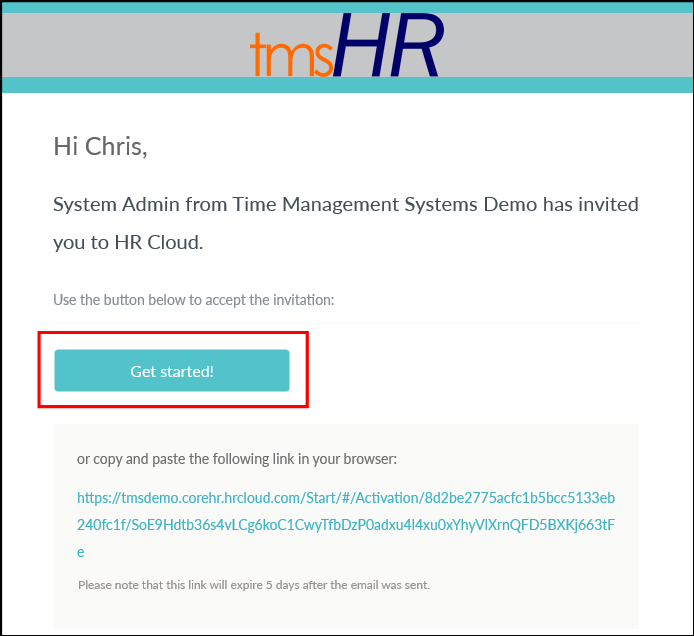
Figure 1
- Click in the Password field (Figure 2).
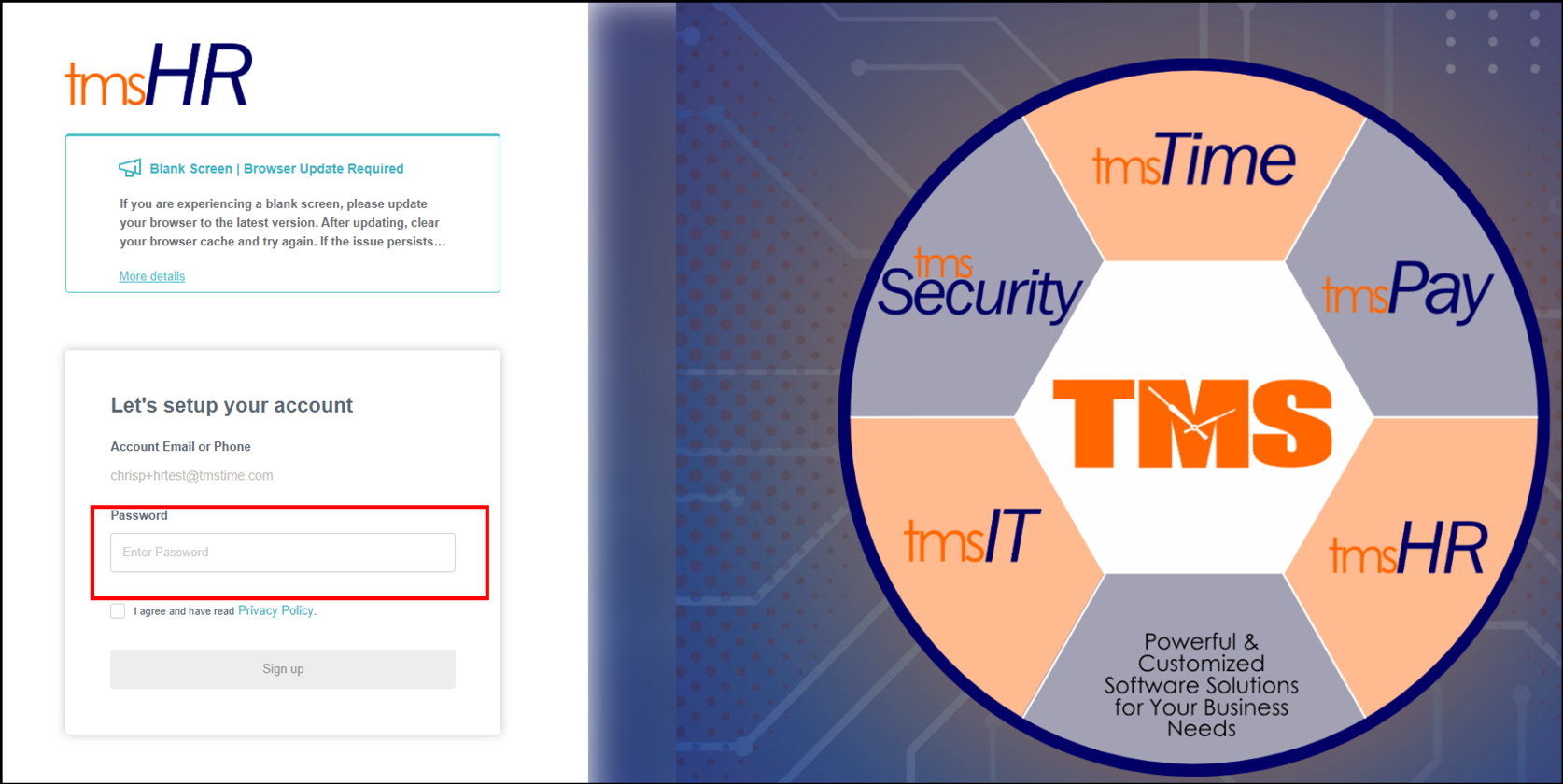
Figure 2
- Create a password that meets the security criteria. Check I agree and have read Privacy Policy and click Sign Up (Figure 3).
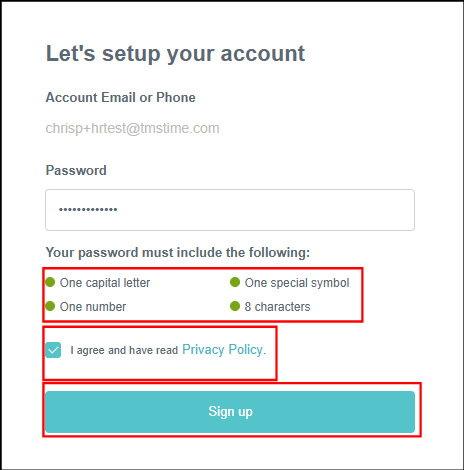
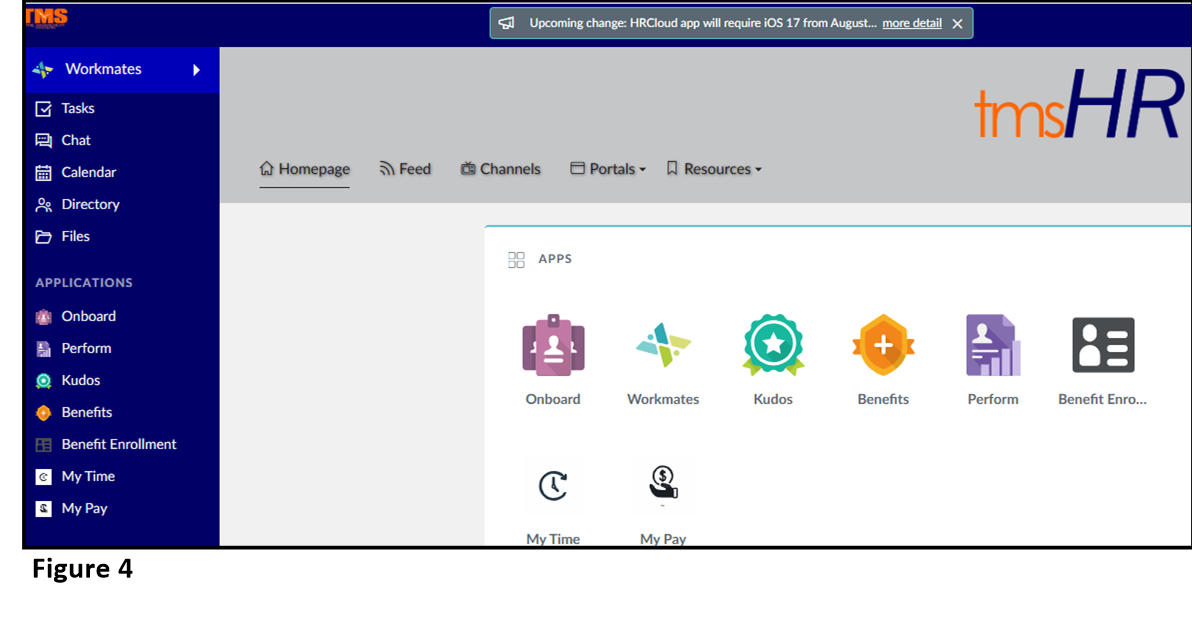
Figure 3 - The employee can now log into tmsHR (Figure 4).